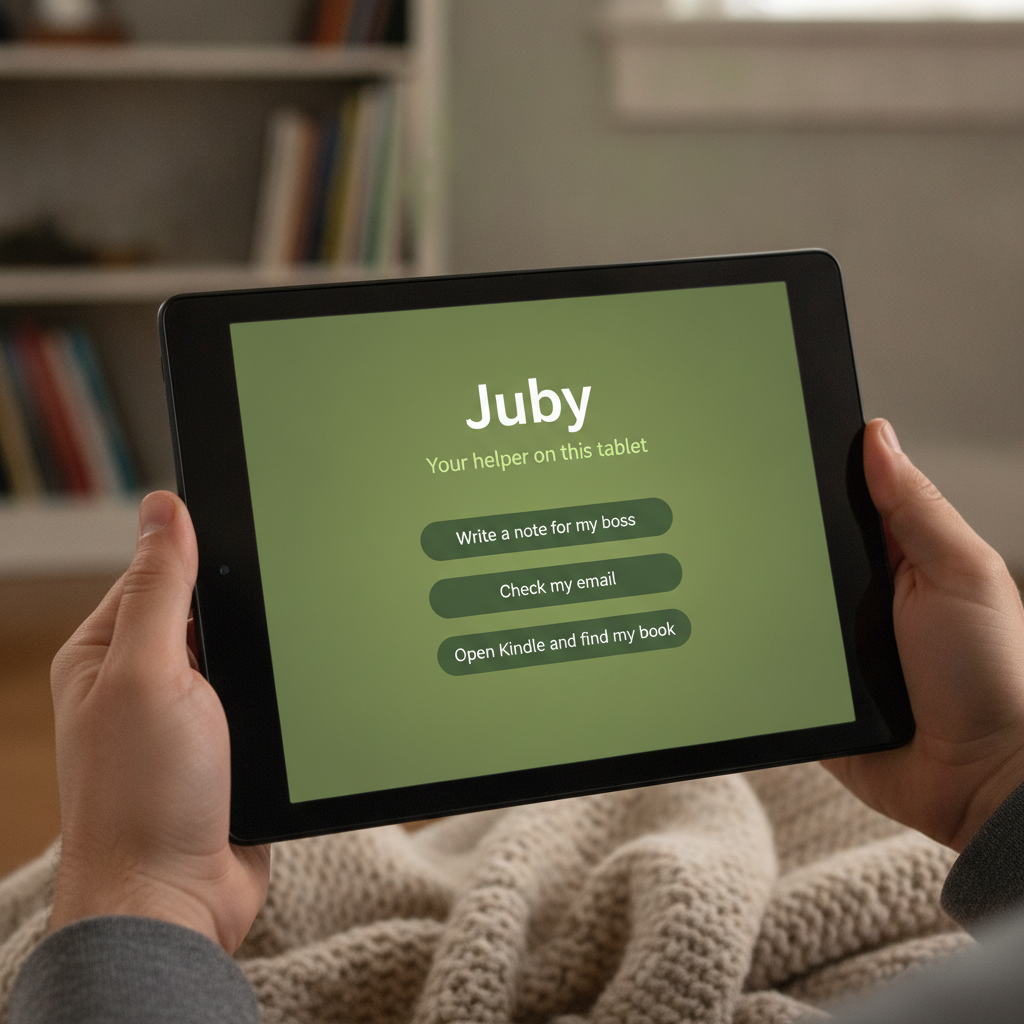
Full coworker on your tablet

Juby.

Ask on Fire HD or Samsung Galaxy Tab. Start on this tablet — no Mac required. You tap Allow before anything important.

  • Start on this tablet
  • Allow before send
  • WhatsApp · Docs · photo→file

What it is. Juby is the full AI coworker app on your tablet — sessions, inbox, connectors, Screen Help, and Allow.

Why it exists. You’re on the couch with a Fire or Galaxy Tab while work and life still need a note, an email draft, a WhatsApp reply, a form photo filed, or a book found — without a hobby setup.

What you get. Device Agent runs on this tablet with a local brain (airplane-friendly drafts). Optional Home computer, Plus, or JubyAI Desk when you want richer hands or overnight. You always tap Allow before send or change. High school? Optional Cowork Pilot starters in the same app — prepare ≠ submit.

Who it’s for · jobs we ship for

Built for the tablet you already pick up.

  1. Couch after work

    When I’m on the Fire or Samsung tablet after dinner and work still needs a short note, email draft, WhatsApp reply, calendar change, or a photo of a form filed, I want to ask in plain English and Approve before anything goes out, so I can finish without walking back to the laptop.

  2. Fire household

    When the living-room tablet is what everyone actually uses — Kindle, school notes, life admin — I want an AI coworker that can use this tablet’s apps (Screen Help, optional) and my computer when it’s connected, so I can get small household tasks done without a hobby setup.

  3. Android productivity tablet

    When I paid for a Galaxy Tab–class tablet (128GB, Google Play, real camera) — even on a flight — I want Device Agent on this tablet with a local brain, Docs/Drive, WhatsApp drafts, and photo→file — so I can work without a Mac, a cloud desk, or a network for local jobs.

  4. Away from home

    When I’m traveling or the home computer is off, I want the same Juby asks backed by JubyAI Desk — a private cloud desk, not my home PC — so I can keep drafting under Allow without carrying a laptop.

  5. Hands busy

    When I’m cooking or caregiving and can’t type, I want to talk to Juby (mic or Alexa) so the ask lands as a draft, so I can review and Allow on the tablet when I’m free — voice never acts alone.

  6. High school · Cowork Pilot

    When I have homework, a lab, or a teacher email on my tablet (Chromebook by day), I want the same Juby coworker to draft essays, study packs, and mail — with Allow, so I can finish faster without Juby submitting for me. Parents can optional co‑Allow.

Juby is the full coworker on your tablet for adults and teens (13+): Ask → Juby prepares → you tap Allow. Start on this tablet (Device Agent). Home / Plus / Desk stay optional. Cowork Pilot is an optional school pack inside the same app — not a separate kids product. On Fire: Kindle + Screen Help + Alexa ask pipe. On Samsung-class Android: Docs, Drive, WhatsApp, camera captures, local brain, 128GB room for the work.

How Juby works · 15 slides

1 / 15
01 · Meet Juby

Juby.

The full AI coworker on your Fire or Samsung tablet.

Open Juby. Start on this tablet. Ask for what you need. Stay in control with Allow.

Juby home with plain-English helpers

02 · How it works

Ask → Juby prepares → You allow

  1. 1You ask — type, talk, or snap a photo
  2. 2Juby prepares the note, draft, file, or next step
  3. 3You tap Allow before anything important is saved or sent
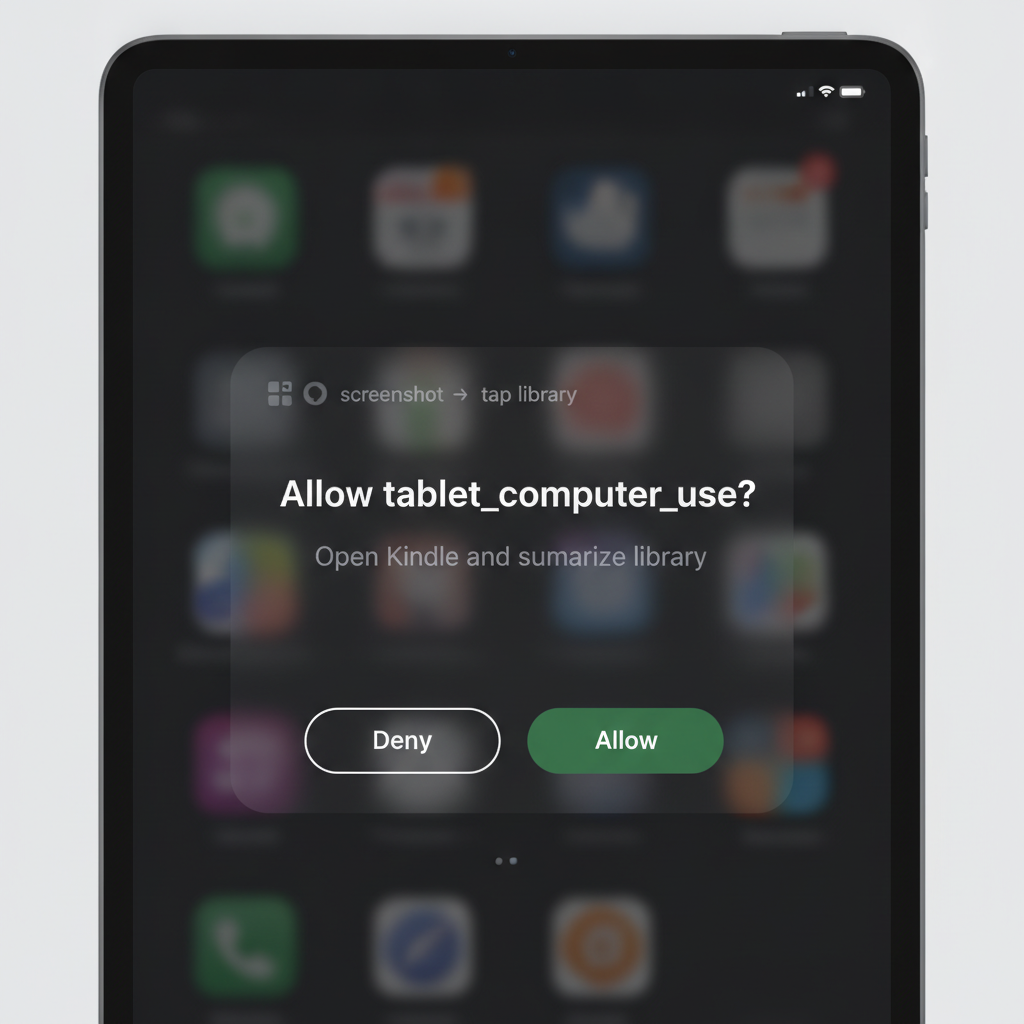
Allow or don’t allow before Juby continues

03 · Things you can ask

Everyday help, in plain English

  • Write a short weekly note for my boss
  • Draft a reply to this email (don’t send yet)
  • Draft a WhatsApp / Messages reply (don’t send)
  • Snap a form photo → tidy file on my tablet
  • Open Docs / Drive and find my recent file
  • Plan a meeting on my calendar (after Allow)
  • Open Kindle and find the book I’m reading
  • Talk to Juby while my hands are busy
Simple starter ideas on Juby

04 · High school · Cowork Pilot

Same Juby. Extra help for school.

Adults keep every coworker job. High schoolers (13+) get optional starters in the same app:

  • Essay / lab draft coach — you edit, you submit
  • Photo of a worksheet → study pack after Allow
  • Teacher email draft — never sent without Allow
  • Deadline board on this tablet (parents can co‑Allow)

Prepare ≠ submit. Juby never turns work in to Classroom or Canvas. Not a kids mode — the full coworker with school-shaped jobs.

School drafts still need your Allow before anything is sent

05 · Device Agent

Start on this tablet — no Mac required

Device Agent is the coworker loop inside the Juby app: sessions, inbox, connectors, files on your 128GB tablet, and Screen Help.

Tap Start on this tablet. No token paste. No home computer. No cloud desk — unless you want them later.

Home, Plus, and JubyAI Desk stay optional when you need richer hands or overnight work.

Juby Device Agent starts on this tablet

06 · Local brain

Airplane mode still feels like Juby

Local brain ladder: Gemini Nano when Android has it · curated on-device starters always · LiteRT later when needed.

Draft a weekly note, tidy a form photo, or prepare a WhatsApp reply — then Allow. Files stay on this tablet until you share them.

Cloud send and live APIs wait for connectivity. The Allow loop never goes away.

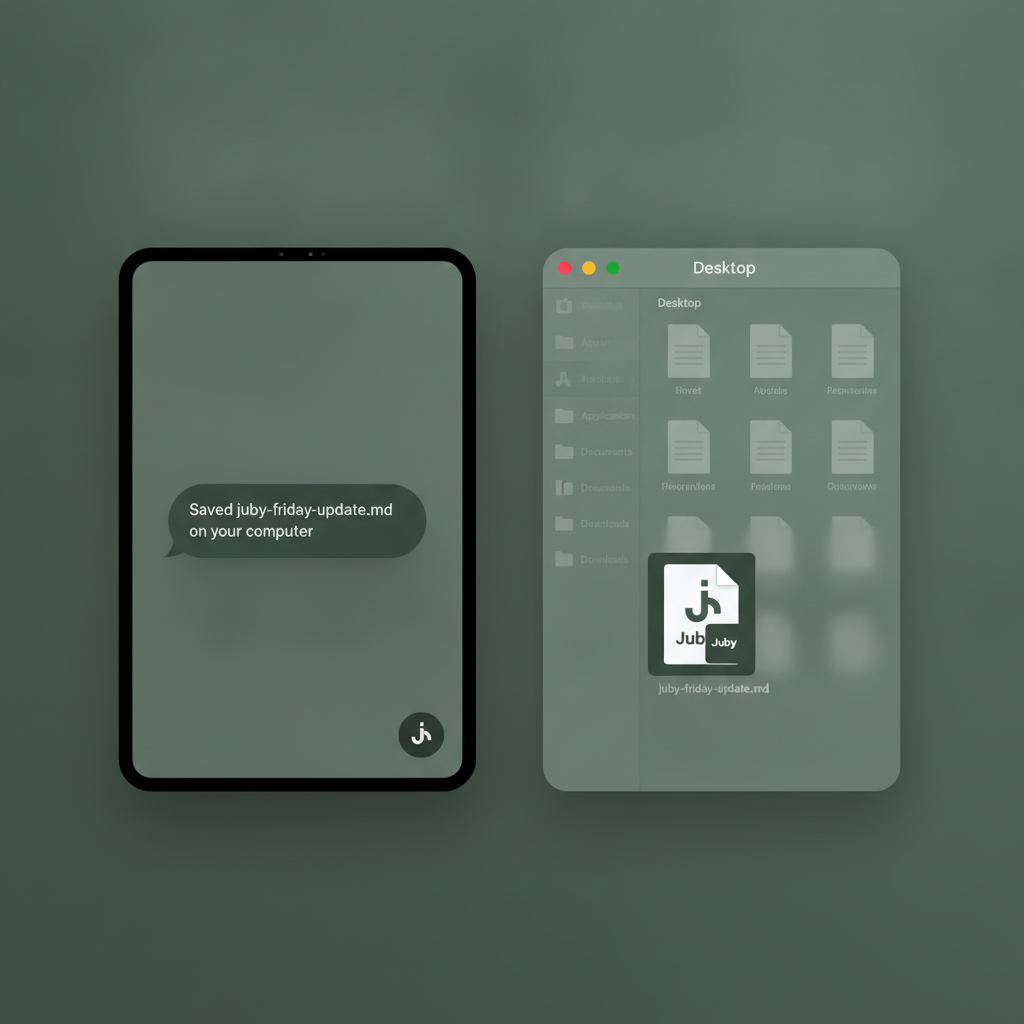
A tidy file saved on this tablet after Allow

07 · Fire · Samsung · real storage

Tablets that hold real work — not just streams

Fire HD: living-room volume — Kindle, school notes, Screen Help, Alexa ask pipe; home computer when you have one.

Samsung Galaxy Tab class ($249–549, 128GB): Device Agent + Docs, Drive, camera, WhatsApp + local brain for flights.

Full app on both: Inbox, Connectors, Scheduled, Settings — laptop and cloud only deepen where hands can reach.

Juby on Fire and Samsung tablets

08 · WhatsApp · Messages

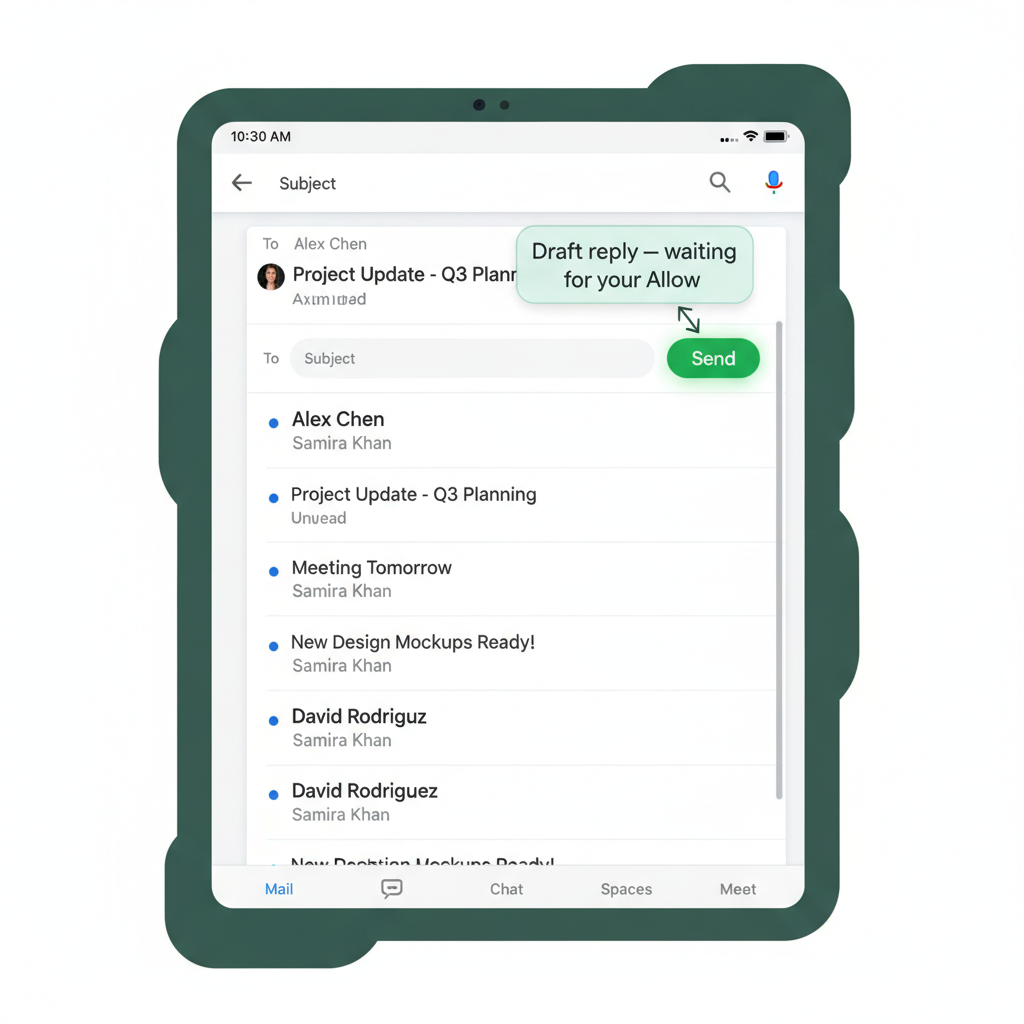
Draft the reply. You tap Send.

Screen Help can open WhatsApp or Messages, summarize the chat, and draft a reply in the compose field.

Send always needs your Allow. Juby never posts for you. Offline, Device Agent can still save a message-draft on this tablet for you to review later.

Same trust bar as email: prepare on the tablet, you decide.

Messaging draft waits for your Allow before Send

09 · Where Juby thinks

You on the tablet · AI where you choose

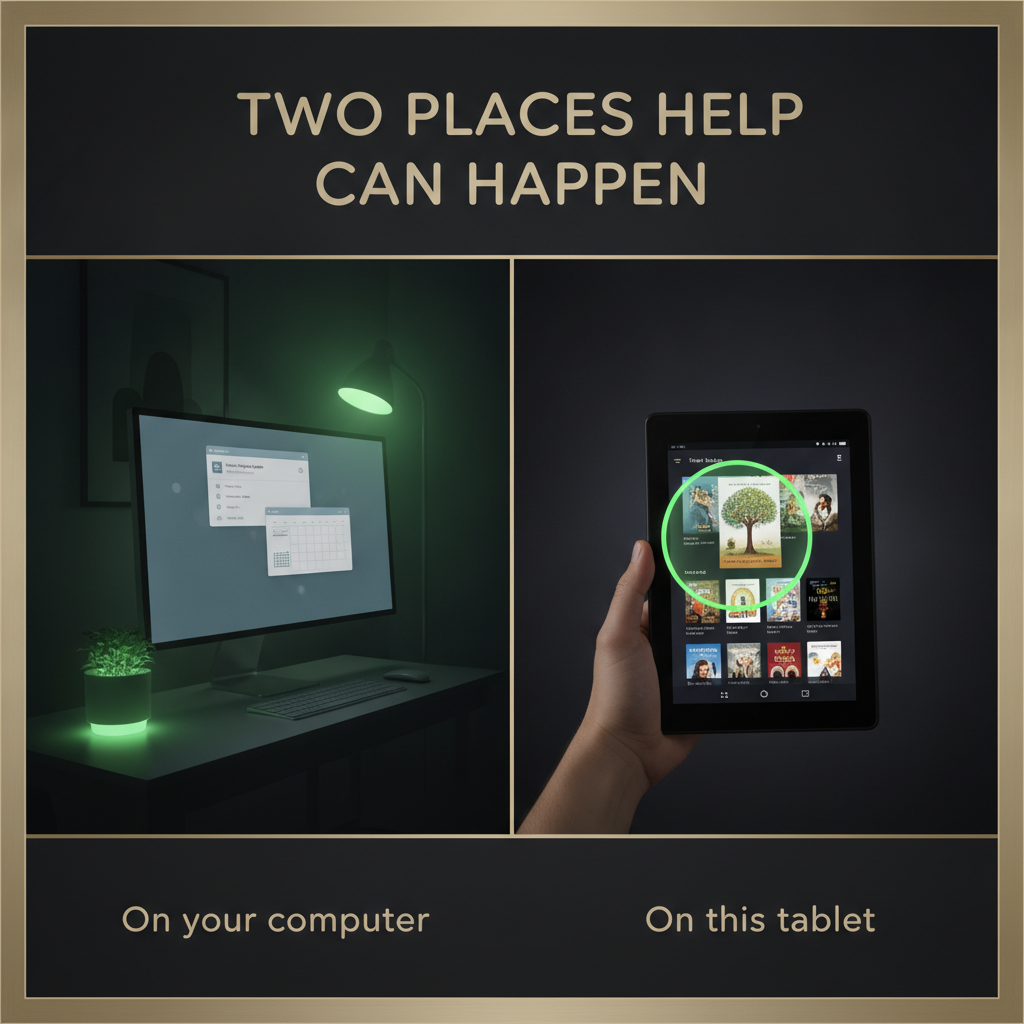
Apps stay on this tablet. After Allow, Juby can open Chrome, Gmail, and more here — even if the language model (LLM) that answers is OpenRouter, your computer, or Desk.

On this tablet (you) Ask → Juby prepares → you tap Allow Can use tablet apps Saves files here Works offline (helpers) Which AI (LLM) answers (pick one) Built-in helpers On this tablet Simple · offline OK OpenRouter Claude, GPT, and more Your key · private chats Home computer Your Mac or PC Same Wi‑Fi JubyAI Desk Private cloud desk When you’re away
Apps on the tablet after Allow. The LLM that answers: helpers · OpenRouter · computer · Desk.

10 · Getting started

Three simple steps

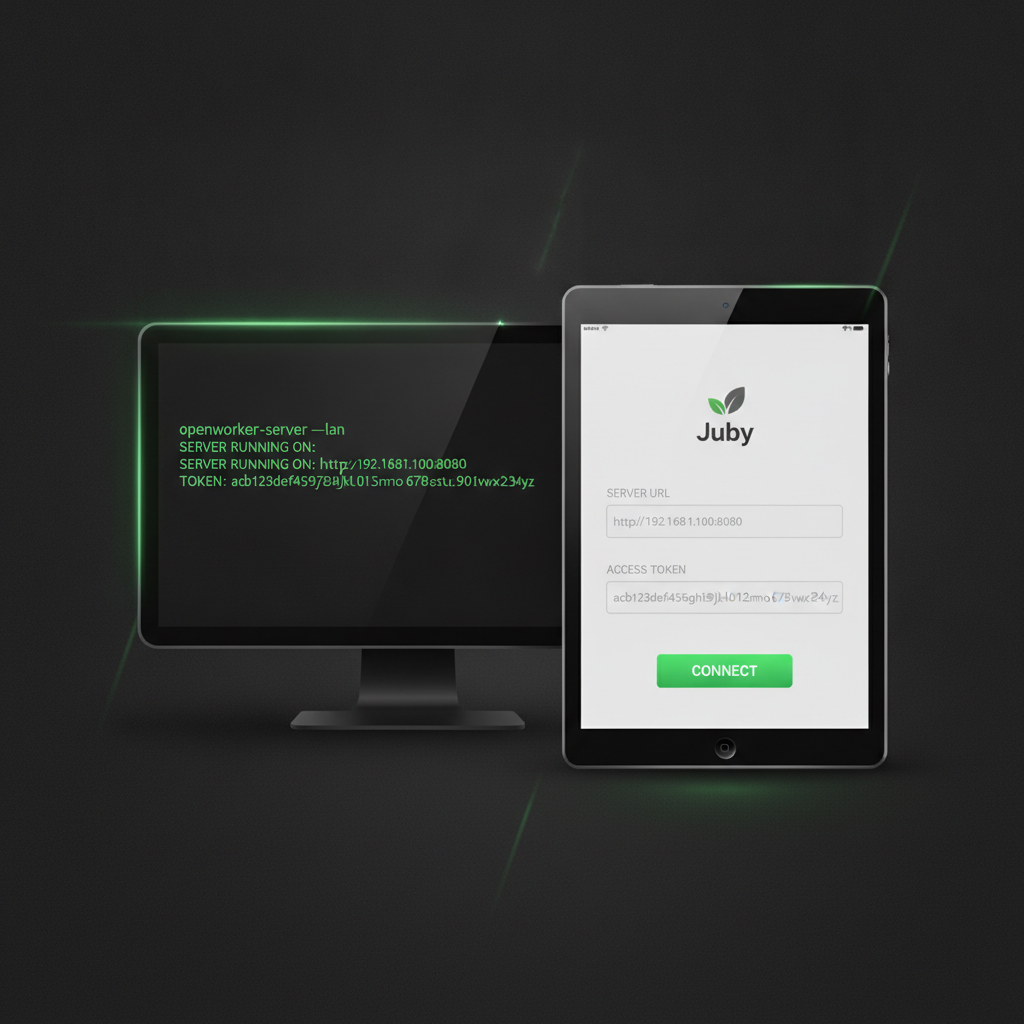
  1. 1Install Juby on your Fire or Samsung tablet
  2. 2Tap Start on this tablet — or connect Home / Plus / Desk
  3. 3Ask · tap Allow · open Inbox & Connectors from the menu
Start Juby on this tablet in three steps

11 · Plans

Simple choices

Home

Free

Tablet + home computer on Wi‑Fi

Device Pro

$19–29/mo

On this tablet · local brain · WhatsApp Allow

Plus

$29–39/mo

Juby Plus · email & calendar

JubyAI Desk

$99–149/mo

Private cloud desk when you’re away

Juby plans from Home to Desk

12 · Why you can trust it

You’re in charge — every step of the way

  • Allow before save, send, delete, purchases, Screen Help taps, or WhatsApp Send
  • Voice and Alexa only place an ask — you still review
  • Local drafts stay on this tablet until you share them
  • See what Juby did — every allowed action is logged for you to review
  • Your JubyAI Desk is private to you
  • Don’t allow is always one tap away
Allow or Don’t allow

13 · Screen Help

When Juby needs to use the tablet like you would

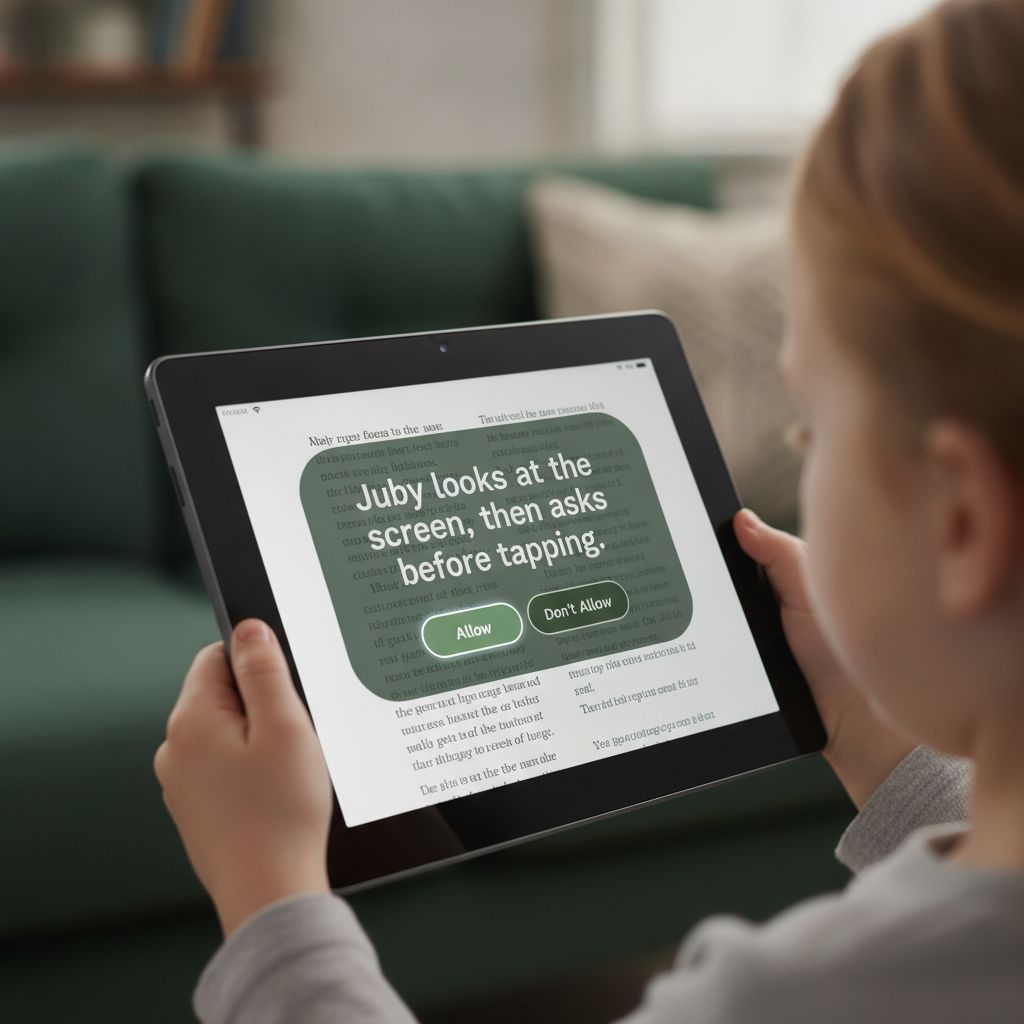
What it is. Some apps don’t have a simple behind-the-scenes connection. Screen Help lets Juby look at what’s on the screen and suggest careful taps.

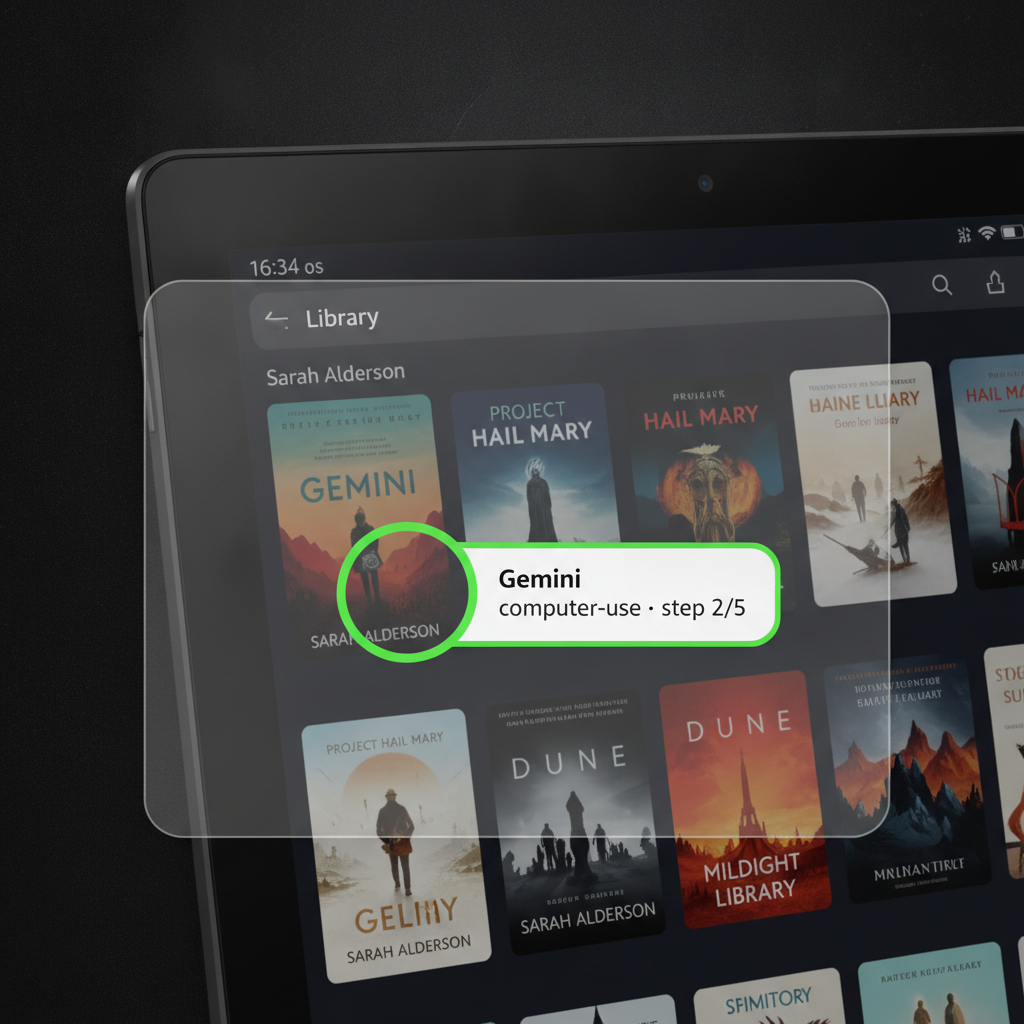
Where it helps. Kindle on Fire · Docs / Drive / Chrome / WhatsApp / Messages on Samsung · mail and calendar apps on the tablet.

Why it holds up. Juby finds the right button by what it is, not where it sits — so it keeps working when an app moves things around.

Why it’s safe. You turn it on. Juby asks Allow before acting. You can say Don’t allow anytime.

Screen Help asks Allow before tapping

14 · FAQ

Why not just ChatGPT or Claude in a browser?

  • Browser chat talks. Juby is a coworker with hands — files on this tablet, apps on the tablet after Allow.
  • Ask → prepare → Allow. ChatGPT/Claude don’t gate saves, sends, or taps across your tablet.
  • One place for the job. Notes, photo captures, Screen Help, connectors — not copy-paste between tabs.
  • Your model key, your retention. OpenRouter with zero data retention on-device. We don’t hold the LLM key.
  • Airplane-mode starters. Weekly notes and photo files without a network. Browser models need the cloud every time.

Browser Claude is great for talk. Juby is talk → prepare → Allow → work lands here.

Allow before work leaves the chat

15 · Get the aha

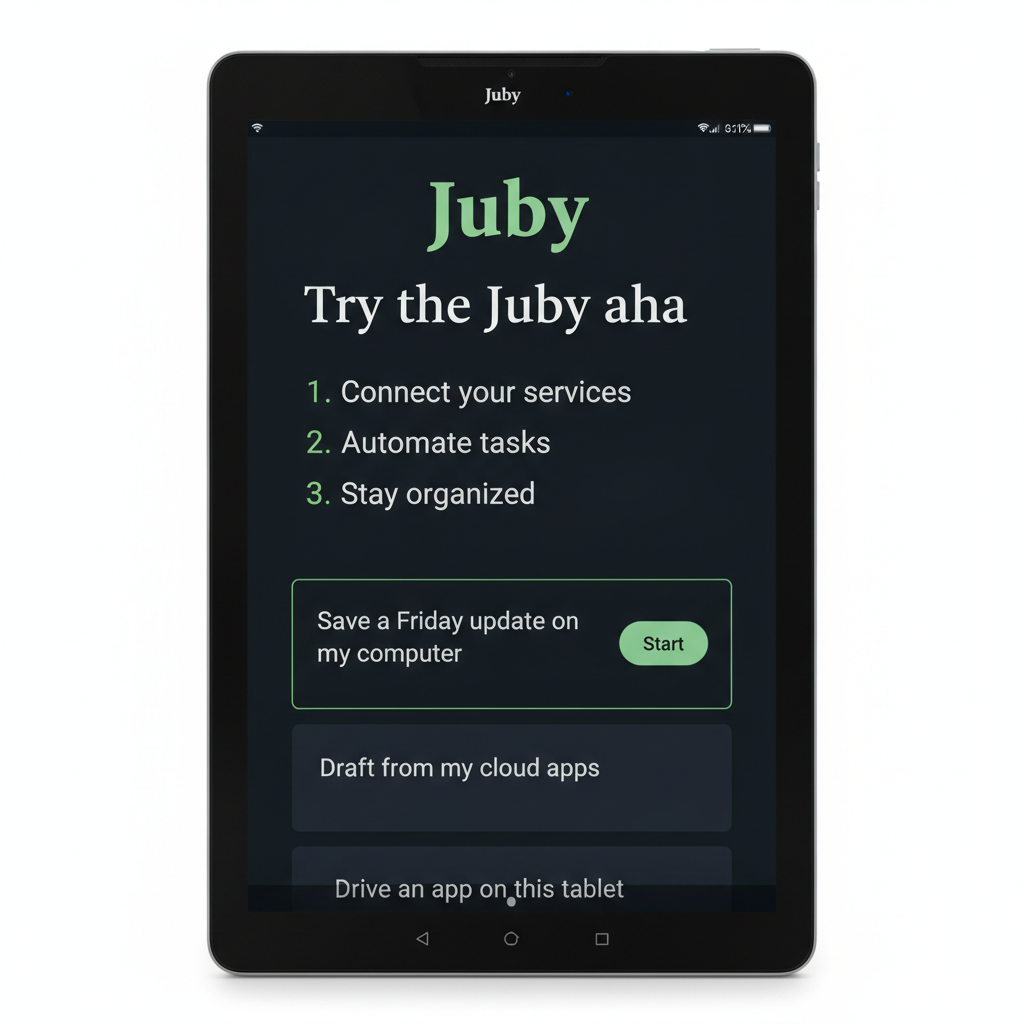
Three taps to feel the difference

  1. 1Install Juby → ages 13+ → This tablet → Let’s go
  2. 2Connect OpenRouter (or skip to starters) → open a starter card
  3. 3Tap Allow — see a real file, or Screen Help open Chrome/Gmail

Best first ahas: Weekly note · Photo → tidy file · Open Chrome / Gmail (enable Juby Screen Control first). School pack is optional below those.

Get Juby
Starter cards on Juby home

Arrow keys or space when the deck is focused Swipe sideways · tap dots

What’s in the app

Full coworker on the tablet — not a peek.

Talk to Juby

Type or talk. Same coworker. Same Allow.

Tap the mic in Juby and speak your ask. On Fire tablets, you can also use Alexa: say your Juby code, then what you need. The ask shows up on the tablet for you to review — voice never skips Allow.

  • Mic in Juby — speak into the app; words land as a draft
  • Alexa — hands-busy asks that appear on your tablet
  • You’re still in charge — review, then Allow
  • If voice fails — tap Stop; you stay in control and never get stuck listening
Voice asks still need your Allow

What “done” looks like

Notes. Drafts. Files on this tablet.
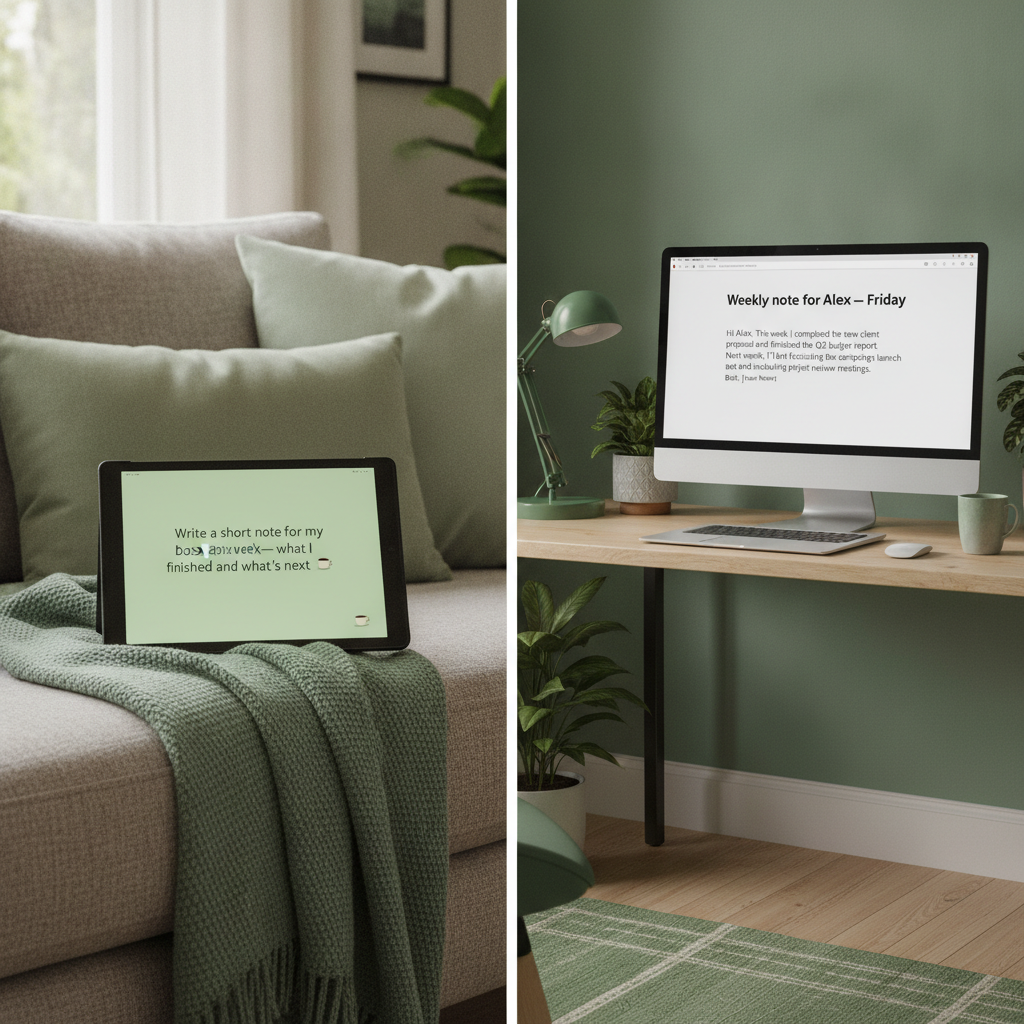
Weekly note — from the couch or a flight
Photo of a form → tidy file after Allow
WhatsApp / mail draft — you still tap Send
Find your place in a book with Screen Help

JubyAI Desk

Not your home computer — a private cloud desk.

Your home computer is the Mac or PC in your house. JubyAI Desk is a separate, always-ready desk in the cloud for travel days, overnight drafts, and times that home computer is off. Device Agent covers the tablet; Desk covers overnight when the tablet is asleep.

  • Away from home — help keeps going without that PC
  • Files when you ask — tidy a photo, finish a note, bring it back
  • You’re still in charge — Allow before anything important
JubyAI Desk — private cloud desk

Get Juby

Start on your tablet

Install Juby on Fire HD or Samsung Galaxy Tab. Tap Start on this tablet — or connect Home / Plus / Desk when you want. Ask for something useful — type it, say it, snap a photo, or ask Alexa. Tap Allow when it matters.

Home

Free

Tablet + your home computer

Device Pro

$19–29/mo

On this tablet · local brain · messaging Allow

Plus

$29–39/mo

Juby Plus & connections

JubyAI Desk

$99–149/mo

Private cloud desk when you’re away